 Ocean Board
A calmer, happier classroom,
one tap at a time
The Ocean Board is a classroom management board for ESL and primary teachers: seating chart, points, picture rules, class jobs, notes, games and tools in one place. Made by a teacher, for the big screen at the front of your room.
No sign-up. Open it, add a class and start teaching. Works in Chrome and Edge.
See it in a real lesson
Points, the Wheel and the Voice Meter, on a classroom smartboard.
Why teachers like it
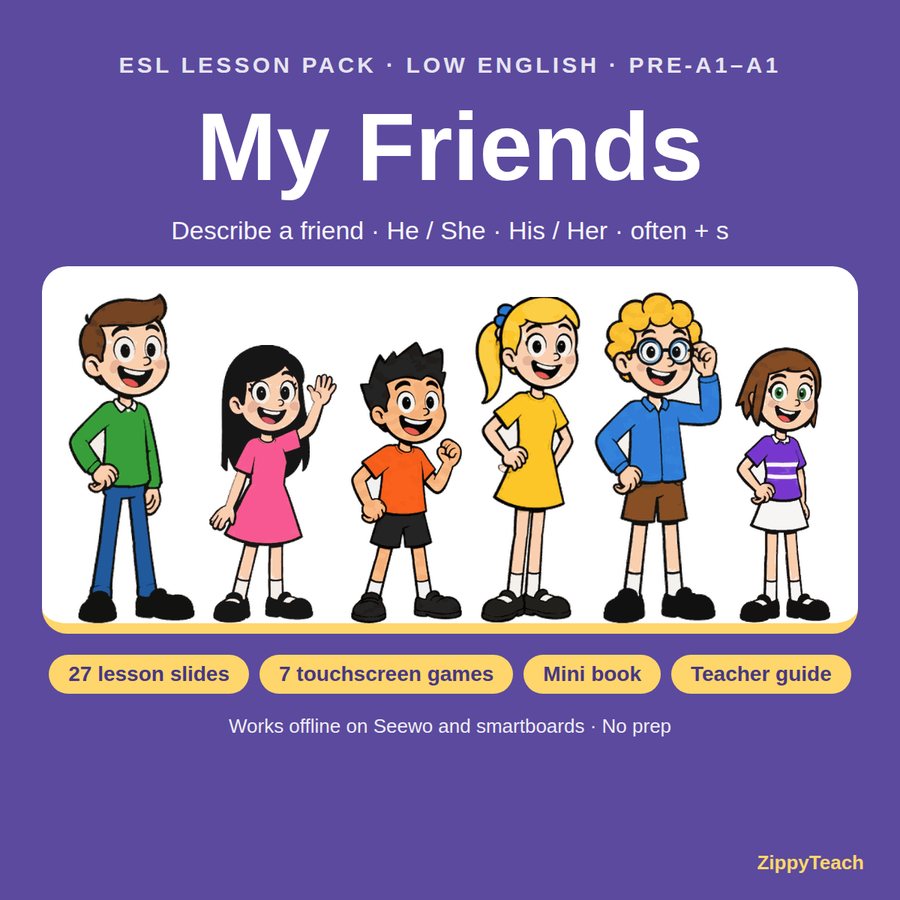
New: ESL lesson packs
Complete lessons made for the same big screen: interactive slides, touchscreen games that work offline, a printable and a teacher guide. First up: My Friends — low English, Pre-A1–A1.
Everything you need, in one board
Teach mode keeps the screen clean for the lesson. Set up mode is there when you need to get ready.
Seating chart & points
Paste your class list and the desks fill themselves. Give points with one tap, or to the whole class at once.
Picture rules
Friendly picture rules that young and ESL learners understand. Award a rule straight from a student’s desk.
Class Jobs
Share out classroom jobs at random in one tap. Add your own jobs any time.
Notes
Quick notes for each student, plus class notes with a page for each subject. Copy a summary for reports.
Games & Tools
Wheel of Names, Timer, Voice Meter, Groups, Dice, Bingo, Flashcards, Music, and a Floating Bubble that stays on top of your slides.
Daily Helper
A short daily routine: the weather, feelings and the date, led by today’s helper.
Class mascot
Each class raises its own sea creature that grows as the class earns points together.
Tests
Make a printable vocabulary quiz from your flashcards, at the level you choose.
Try it free. Unlock when you’re ready.
One payment, yours to keep. No subscription.
Free
- 2 classes
- Seating chart, points and picture rules
- Teach and Set up modes
- Class Jobs and class notes
- Wheel of Names, Timer, Groups, Dice and Floating Bubble
- A mascot for your first class
Full version
- Up to 10 classes (more on request)
- Everything in Free, plus:
- Student notes and profiles, with report summaries
- Voice Meter, Bingo, Flashcards and Music
- Daily Helper and Students of the Day
- Tests, and a mascot for every class
How to buy
- Try the board free and set up a class, so you know it suits you.
- Pay the way that suits where you live (below).
- Get your code. In the board, tap any padlock and type your name and code. Done!
Pay by card or EFT with Payfast. Message me and I’ll send your payment link.
Pay with WeChat Pay. Add me on WeChat: DanziGal88
Pay by card or bank transfer through a secure Payoneer payment link. Email me and I’ll send it.
Your unlock code is sent as soon as payment arrives. Buying for your whole school, or need more than 10 classes? Just ask.
Install it like an app
Open the board first, then:
New versions arrive by themselves whenever you open the board with internet.
Questions
Do I need an account or internet?
No account. You need internet the first time you open the board. After that, it works offline and updates itself when you’re back online.
Where are my classes saved?
Only on your own device. Use Download Backup in the board every week or two to keep a copy, and to move classes to another computer.
What student information should I put in?
First names or nicknames only. The board is your own classroom notebook, not an official school record. Keep official reports in your school’s system. Privacy policy
Can I use it on more than one computer?
Yes. Enter your name and code once on each computer. With the backup, you can bring just the classes you need onto each classroom computer.
Is there a guide?
Yes. Tap How to use at the top of the board for a short guide to every feature.